

For me
I am attending
No official captions? With permission, start TalkLens on your phone, tablet, or laptop and follow the session yourself. Keep personal captions, translation, a searchable transcript, and AI notes for later review.
Organizers can broadcast live captions and translation by link or QR code. If they do not, an attendee can run TalkLens independently and keep their own searchable notes.
Free AI credits on signup. No card required.
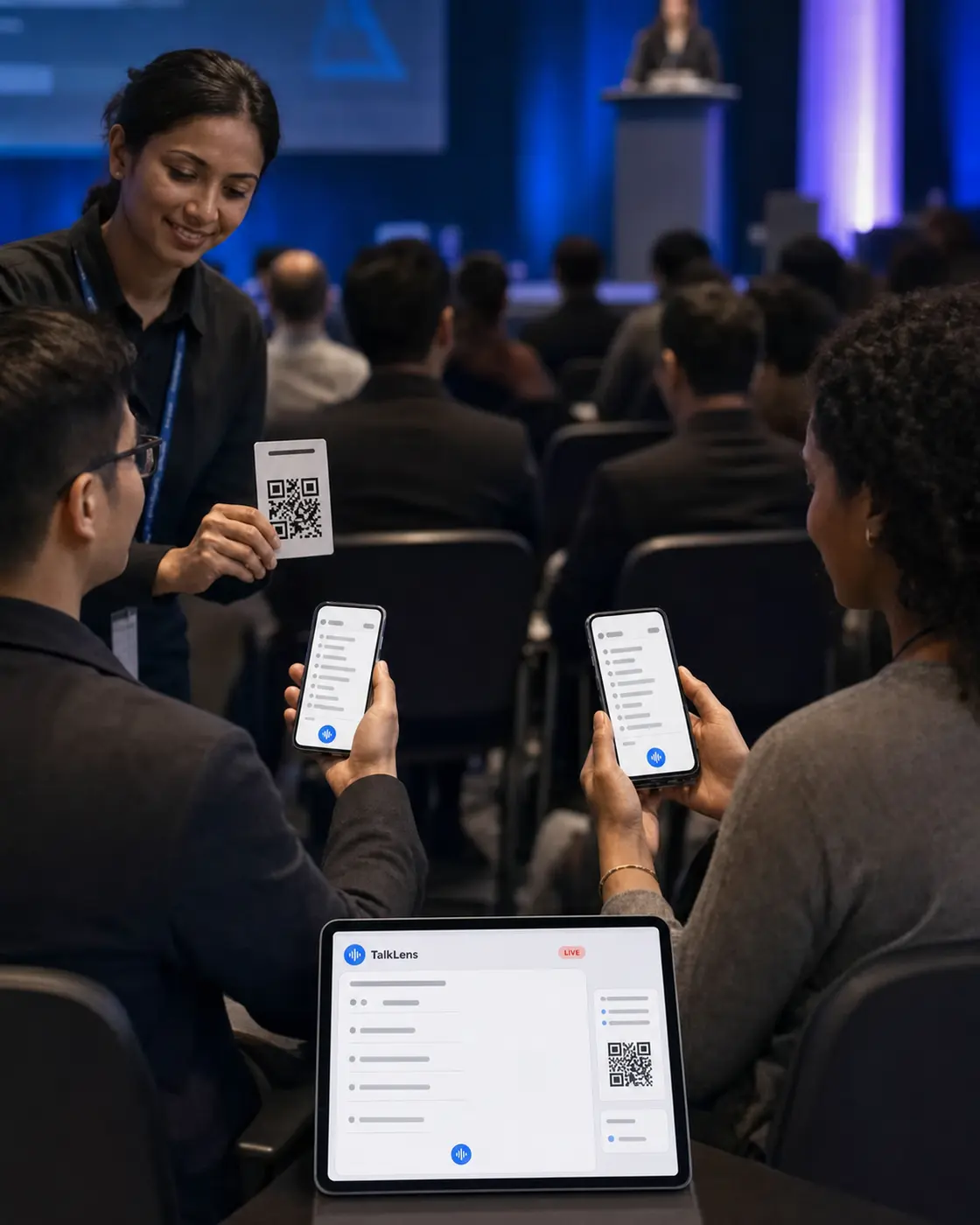
Event spaces introduce friction: distance from the stage, unfamiliar accents, room noise, dense subject matter, and audiences that do not all share the same first language. Missing one sentence can mean losing the thread of an entire session.
TalkLens gives attendees live captions on the device already in their hands. They can be provided by the event or started by an individual attendee. In either case, the person who records can keep the transcript and create useful notes after the presentation, panel, or Q&A ends.
No official captions? With permission, start TalkLens on your phone, tablet, or laptop and follow the session yourself. Keep personal captions, translation, a searchable transcript, and AI notes for later review.
Start a TalkLens session and display the broadcast link or QR code in the room. Attendees can follow the live captions and translation from their devices, and you can share a reviewed session record afterward.
TalkLens uses automated transcription and translation, which may contain errors. Always notify participants and obtain any consent required before recording. Privacy Policy
Join the organizer's broadcast or run a personal TalkLens session from your seat.
Let attendees read a translated version of the spoken content in a supported language.
Organizers can preserve official sessions, while individual attendees can keep permitted recordings of the talks they most want to revisit.
Generate a summary, key points, action items, a glossary, and review questions. Share a read-only link with colleagues, attendees, or community members when appropriate.
Confirm that personal recording is permitted by the event and speaker. Start TalkLens on your own device, place it where it can hear the session, and use captions or translation for yourself.
Afterward, return to the transcript, summary, and key ideas from the sessions you captured. Do not redistribute event content unless you have permission.
Open TalkLens on a device with a microphone positioned to capture the presentation clearly. Choose a shared translation language, or enable viewer language selection so attendees can choose a supported language using the host's AI credits. Tell presenters and attendees that the session will be recorded.
Share the live caption link or display its QR code in slides, signage, or event materials. Attendees follow along from their own devices.
After the event, review the transcript and AI notes. Find important themes across the discussion and share a read-only link when appropriate.
The same product, whichever side of the room you are on.
See captions and translation while the words are still being spoken — whether you started the session or joined someone else's.
Keep the recording, transcript, summary, key points, action items, glossary, and review questions together.
Search by meaning, or ask questions about what was said.
Start TalkLens on your own device when no host-provided caption experience is available.
As the host, broadcast live captions or share a saved recording with a link.
No. They can follow an organizer's broadcast in a browser from a shared link or QR code. They can also open TalkLens in the browser to start their own permitted session.
An attendee can use TalkLens independently from their own device, subject to the event's rules and any recording consent required. The organizer does not need to provide a broadcast.
TalkLens runs in a browser and captures audio from the recording device's microphone. Use a device and microphone placement appropriate for the room; caption quality depends in part on the clarity of the captured audio.
Yes. TalkLens can translate the live captions between supported languages as the session unfolds.
The host can optionally enable viewer language selection. When enabled, each viewer can choose a supported language on their own device; those viewer-selected languages use the host's AI credits. If the setting is off, viewers receive the host-selected translation.
No. Automated captions and translations can contain errors. If an event requires a guaranteed accessibility accommodation or professional interpretation, use the appropriate qualified service.
Yes. TalkLens can create a read-only public link for a saved recording. Treat the link as access to the content and share it only with the intended audience.
Provide TalkLens to your attendees — or bring it with you to the event.
Free AI credits on signup. No card required.