

For me
I am learning
If the instructor does not provide TalkLens, ask for permission to use it on your own device. Follow personal captions or translation during class and keep a searchable transcript for active review.
A course organizer can broadcast live captions and translation to the class. Students can also use TalkLens personally, with permission, then study from a searchable transcript and AI notes.
Free AI credits on signup. No card required.
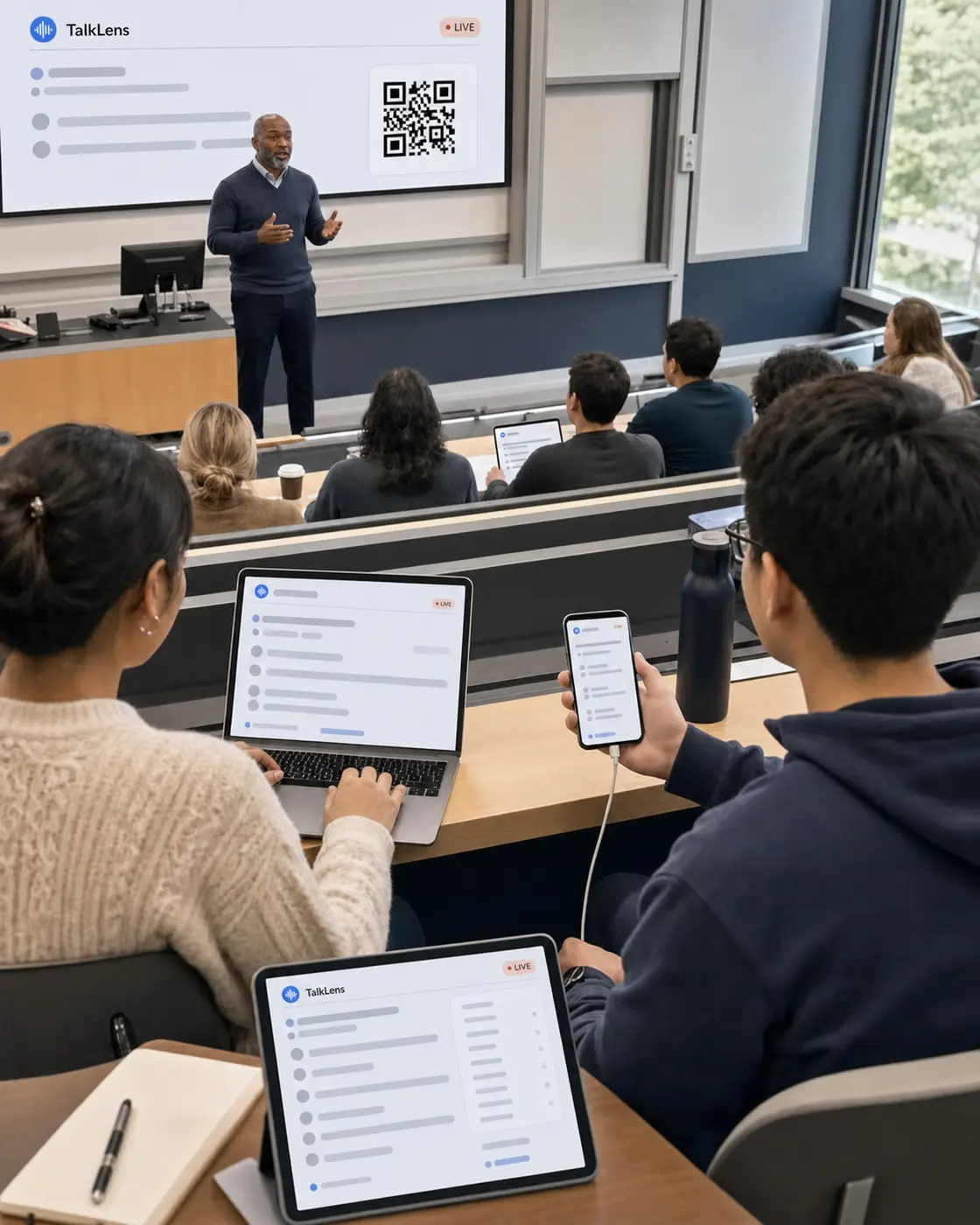
A lecture does not pause when a term is unfamiliar, a formula needs another moment, or a student is still writing the previous point. Trying to listen, understand, translate, and take complete notes at the same time can make learning feel like transcription work.
TalkLens gives learners live captions during the lecture and keeps the recording available for structured review. Instead of trying to capture every word manually, students can focus on the explanation and mark what they need to revisit.
If the instructor does not provide TalkLens, ask for permission to use it on your own device. Follow personal captions or translation during class and keep a searchable transcript for active review.
Start TalkLens where it can clearly hear the lecture and share the broadcast link or QR code with the class. Students can follow captions and translation on their own devices, and you can share a reviewed session afterward when appropriate.
TalkLens uses automated transcription and translation, which may contain errors. Follow your institution's policy, notify participants, and obtain any consent required before recording. Privacy Policy
Use live captions as a visual companion to the instructor's voice.
Follow translated live captions in a supported language when it helps with comprehension.
Generate a summary, key points, action items, a glossary with translations or explanations, and review questions instead of reorganizing pages of rushed notes.
Try "How did the instructor define this term?" or "What examples were used to explain the concept?" TalkLens answers from the transcript itself.
Search by meaning when you remember the topic but not the exact words.
The same three steps whether the class provides TalkLens or a student brings it.
Follow school policy and get the instructor's permission before recording. Additional consent may be needed when other students participate.
A course organizer can start a broadcast for the class, or a student can run a personal permitted session. Open TalkLens in the browser, place the device where it can clearly hear the lecture, and choose translation if needed.
Use the transcript and notes to locate confusing sections, replay the instructor's explanation, and build your own study materials. Verify terminology, equations, dates, and quotations against course materials and audio.
The same product, whichever side of the room you are on.
See captions and translation while the words are still being spoken — whether you started the session or joined someone else's.
Keep the recording, transcript, summary, key points, action items, glossary, and review questions together.
Search by meaning, or ask questions about what was said.
Start TalkLens on your own device when no host-provided caption experience is available.
As the host, broadcast live captions or share a saved recording with a link.
Yes. Follow the institution's rules and ask the instructor before recording. You are responsible for obtaining any consent or legal right required.
Yes. TalkLens can translate the live captions between supported languages while the lecture is happening.
TalkLens generates a summary, key points, action items, glossary, and review questions from the transcript. Use them as a starting point and check important details against the lecture audio and official course materials.
Yes. You can chat with a saved transcript and search by meaning to locate the relevant part of a lecture.
Only if you have permission. TalkLens supports read-only share links, but classroom content, student comments, and instructor materials may be subject to school policy or other restrictions.
With the instructor's permission and subject to school policy, you can start TalkLens yourself and use live captions or translation on your own device.
Share TalkLens with students, or bring it to your next permitted lecture yourself.
Free AI credits on signup. No card required.