

For me
I am taking the training
If the training provider offers no TalkLens session, use it on your own device with permission. Follow the facilitator with live captions or translation and keep personal notes for later review.
Training organizers can provide live captions and translation to the group. Learners can also bring TalkLens themselves and keep personal, searchable notes when no broadcast is offered.
Free AI credits on signup. No card required.
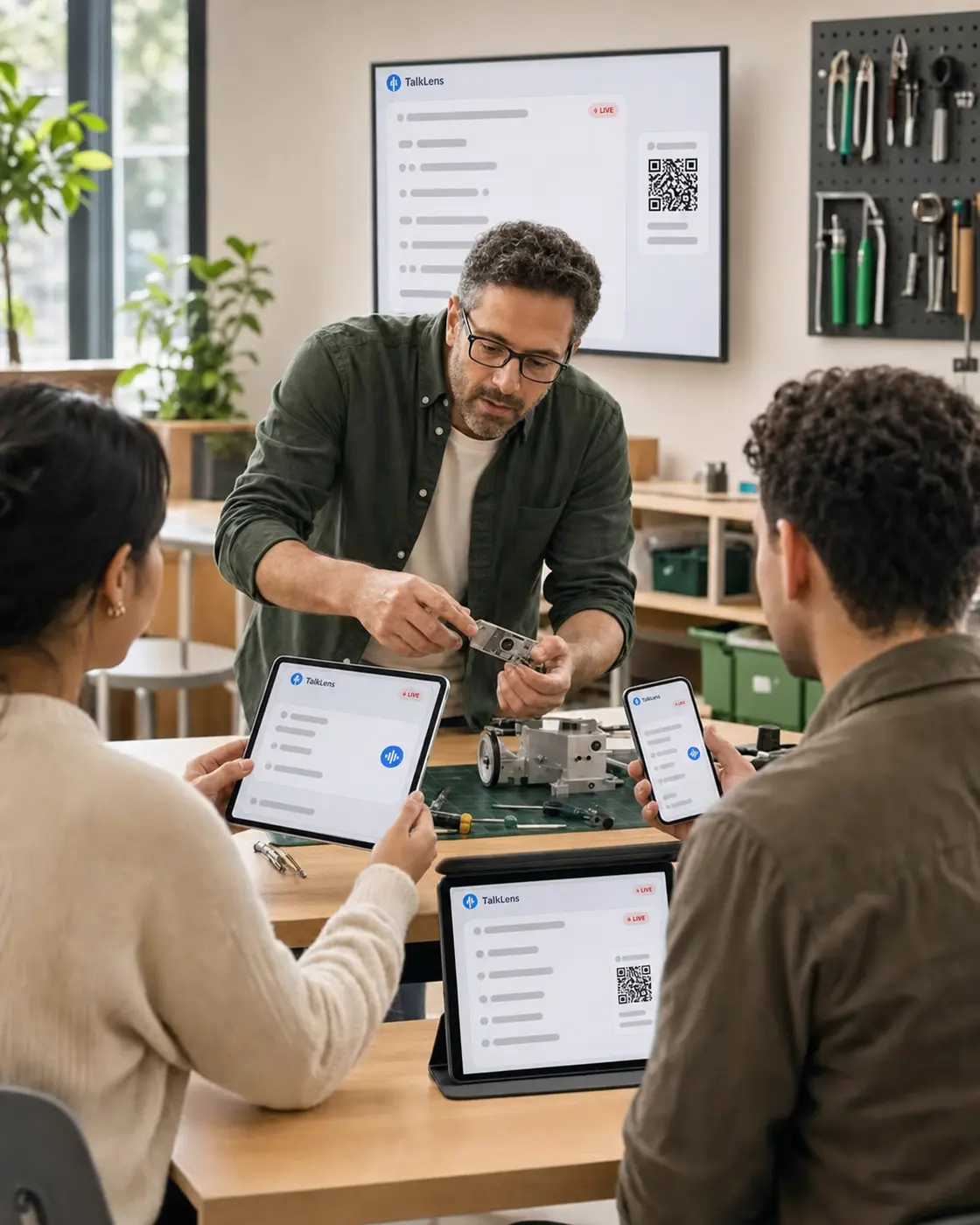
In-person training moves quickly. Learners are expected to watch a demonstration, understand new terminology, participate in an exercise, and capture what they will need later — all at once.
TalkLens provides live captions during the session and a searchable record afterward. Learners can spend more of their attention on understanding and practicing instead of copying every slide or sentence.
If the training provider offers no TalkLens session, use it on your own device with permission. Follow the facilitator with live captions or translation and keep personal notes for later review.
Start TalkLens where it can clearly hear the facilitator and share the broadcast link or QR code. Learners can follow captions or translation live, and you can provide an authorized, reviewed session record afterward.
TalkLens uses automated transcription and translation, which may contain errors. Always notify participants and obtain any consent required before recording. Privacy Policy
Use real-time captions when instructions are dense, the room is noisy, or learners benefit from seeing and hearing the material together.
Use a shared translation language, or let learners choose their own supported language when the host enables viewer language selection. Viewer-selected languages use the host's AI credits.
Generate a summary, key points, action items, a glossary with explanations or translations, and review questions.
Search by meaning or ask the transcript a question when a learner later needs to repeat a process.
Ask whether recording is allowed. If it is, start a personal TalkLens session and use live captions or translation while you watch, practice, and participate.
Afterward, review your saved transcript and notes. Verify safety steps, policies, and certification material against the trainer's official resources.
Place the recording device where the facilitator can be heard clearly. Tell participants the session will be recorded and obtain any required consent.
Start the live captions and share the join link or QR code with learners who want to follow on their own devices.
Review the transcript, correct or clarify any critical instructions in your official training materials, and share the saved recording with the intended group.
The same product, whichever side of the room you are on.
See captions and translation while the words are still being spoken — whether you started the session or joined someone else's.
Keep the recording, transcript, summary, key points, action items, glossary, and review questions together.
Search by meaning, or ask questions about what was said.
Start TalkLens on your own device when no host-provided caption experience is available.
As the host, broadcast live captions or share a saved recording with a link.
The host can broadcast a live caption link or QR code for participants to open on their own devices. Check the current TalkLens broadcast options when planning the size of a session.
TalkLens can translate supported languages, but automated systems may make mistakes with specialized terms. Reinforce critical terminology and safety instructions with reviewed materials.
No. Treat the transcript and AI notes as a convenient learning aid, not as an authoritative policy, procedure, certification, or safety document.
Yes. A trainer can share a saved recording through a read-only link, or a learner can return to a personal permitted recording they created themselves.
TalkLens runs in a browser. Participants can open the trainer's broadcast from a link or QR code, or start their own permitted session.
With permission, a learner can use TalkLens independently for personal live captions, translation, and notes. No trainer-provided broadcast is required.
Broadcast TalkLens to learners, or bring it to the next permitted session yourself.
Free AI credits on signup. No card required.