

TalkLens for real-world conversations

Understand the room — on your own or together

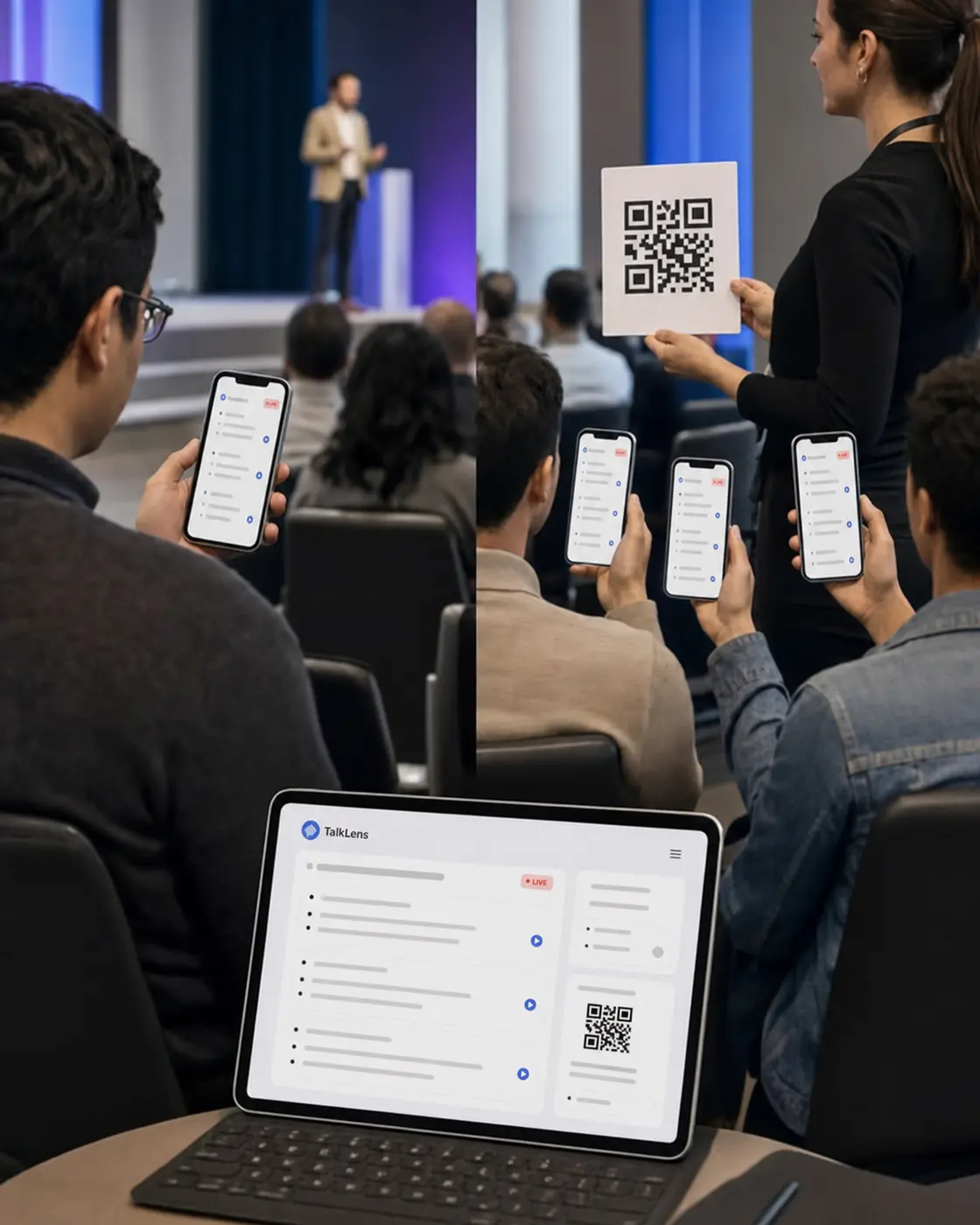
Use TalkLens on your own device to follow any permitted in-person talk, or broadcast live captions and translation for everyone. When the room goes quiet, return to a searchable transcript and clear AI notes.

Free AI credits on signup. No card required.

One product, two ways into the conversation

Both work from the browser. Pick the one that describes your next room.

For me

I want help following a talk

Open TalkLens on your own device and start a permitted recording. Read the live captions, turn on translation when you need it, and keep searchable notes afterward. You do not need the speaker or organizer to provide a broadcast.

  • Live captions on your own screen
  • Translation in a supported language
  • A personal transcript and AI notes
For the group

I want to help a group follow the talk

Start a TalkLens session as the host and share the live link or QR code. Attendees follow the captions and translation from their own devices, while you keep a useful record of the session.

  • A join link or QR code — no app to install
  • You set the translation language, or let viewers pick their own
  • A session record you can share afterward

TalkLens uses automated transcription and translation, which may contain errors. Always notify participants and obtain any consent required before recording. Privacy Policy

Built for the room you are in

Online meetings have chat logs, recordings, and captions built into the call. In-person conversations often leave you choosing between listening and taking notes. TalkLens brings the same kind of support into meeting rooms, lecture halls, event spaces, interview rooms, and anywhere else people speak face to face.

Live commentary and guided experiences

Venues can broadcast commentary to guests as the group moves, while individual listeners can bring their own caption experience.

Explore live commentary and tours

The same simple flow, at any scale

01

Start listening

Open TalkLens in your browser, choose the spoken and translation languages, and start recording with permission.

02

Follow yourself or invite others

Keep the live captions on your own screen, or share a link or QR code so a group can follow from their devices.

03

Find what matters later

Review AI notes, ask questions about the transcript, search by meaning, and share the recording with the people who need it.

Useful now. Useful later

While it is happening

Live captions

See spoken words become text in real time.

Instant translation

Follow the live captions in a supported language.

Use it for yourself

Bring your own captions, translation, and notes to a permitted in-person talk.

Broadcast to the room

Share live captions through a link or QR code.

After the room empties

AI-generated notes

A summary, key points, action items, glossary, and review questions from the recording.

Chat with the transcript

Ask what was said without rereading the entire conversation.

Semantic search

Find the right moment even when you do not remember the exact wording.

Share with a link

Send a read-only link to someone who missed it — and revoke it when you are done.

Bring TalkLens to the next conversation

Use it for your own understanding, or make the room easier for everyone to follow.

Free AI credits on signup. No card required.